Executive Summary
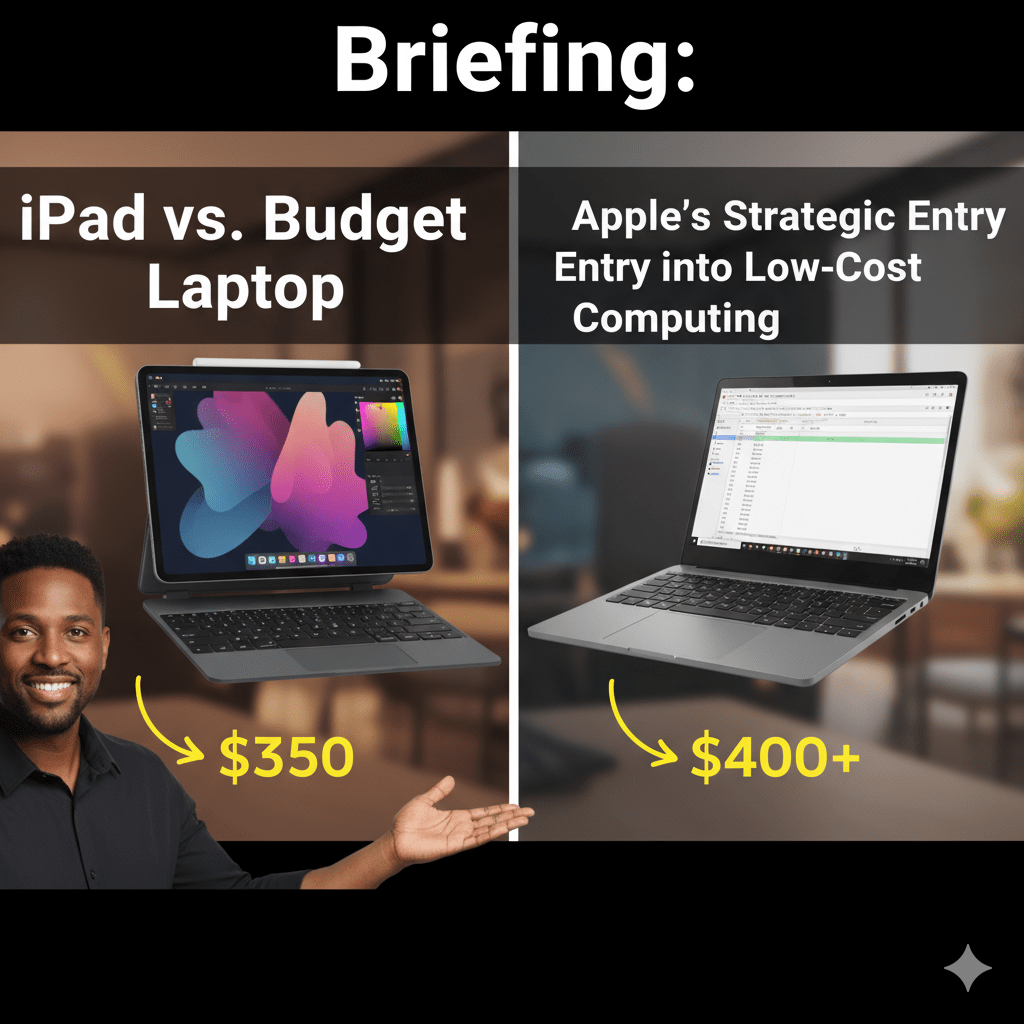
The debate over whether an iPad can replace a traditional laptop is evolving with Apple’s strategic shift toward the budget computing market. The core determination remains highly dependent on individual user workflows, but a comprehensive analysis reveals clear distinctions in value, functionality, and long-term investment viability.
A rumored budget-friendly MacBook, expected in early 2026 with a target price of 599–699, is poised to directly challenge the dominance of Chromebooks and low-cost Windows PCs. This move signifies a major shift in Apple’s Mac strategy, aiming to create an accessible gateway into the macOS ecosystem for price-sensitive consumers, particularly students.
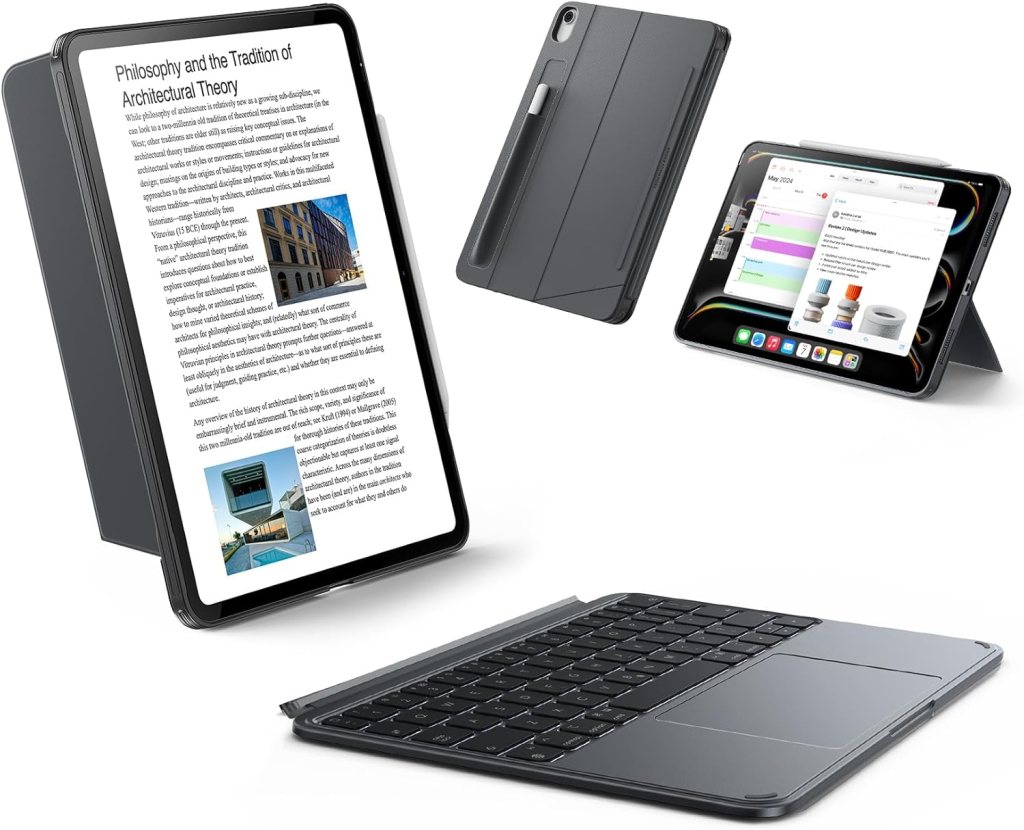
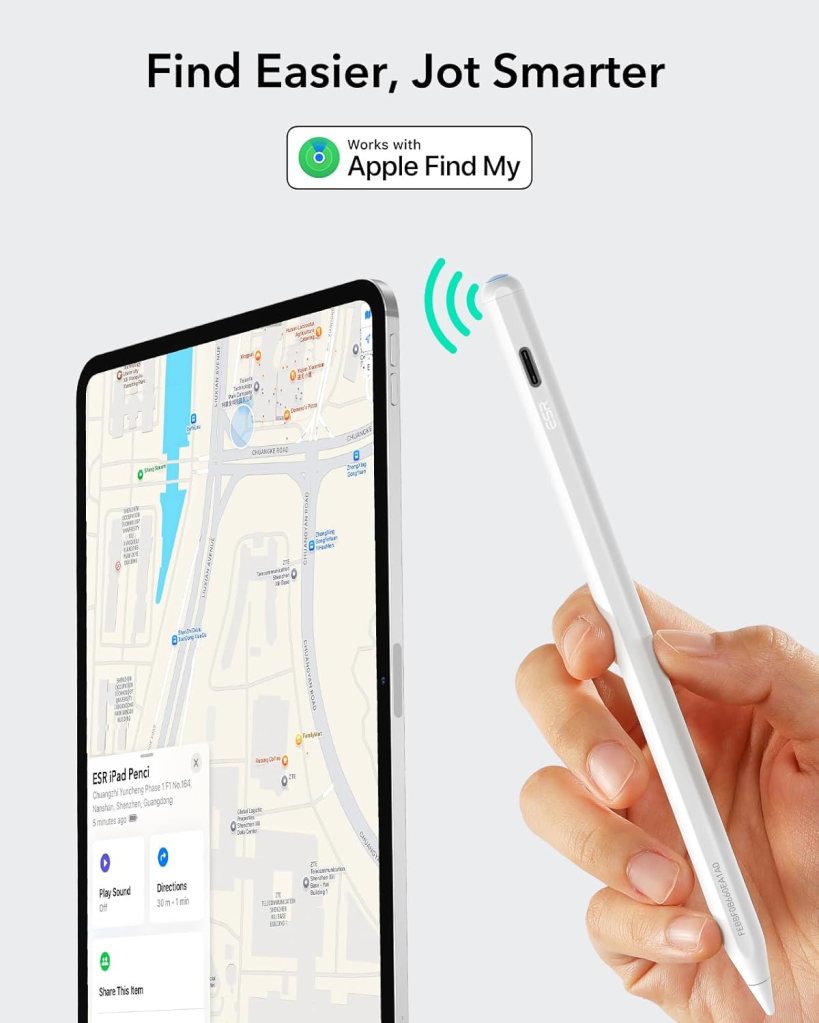
While the current entry-level iPad 11th Generation (A16) offers formidable raw performance for its base price of US349, its viability as a true productivity machine is undermined by the “TCO Paradox.” Once essential accessories like the Magic Keyboard Folio (249) and Apple Pencil ($79) are added, the total cost of ownership rises to approximately $677, exceeding the rumored starting price of the budget MacBook.
The fundamental trade-off lies between the operating systems. iPadOS excels in portability, touch interaction, and annotation, making it a superior device for media consumption and digital handwriting. However, macOS maintains a decisive advantage in traditional desktop workflows, offering frictionless multitasking, complex file management, and access to a full suite of professional-grade software.
Ultimately, for users focused on productivity, research, and multitasking, the forthcoming budget MacBook is positioned to be the superior long-term investment due to its lower true TCO, better value retention, and the uncompromised functionality of macOS. The iPad, while powerful, remains a specialized secondary device for most productivity-focused users.

The Core Debate: Can an iPad Replace a Laptop?
The question of an iPad’s suitability as a primary computing device is contingent on specific user needs and workflows. While it excels in certain areas, its limitations prevent it from being a universal replacement for a traditional laptop.
User Perspectives and Key Arguments
- Workflow Dependence is Paramount: As one user states, “Whether or not an iPad works as a replacement for you depends on your specific needs and workflow. That’s really the beginning and end of it.” This sentiment is the central theme of the debate. The iPad can be a primary device if a user’s tasks are fully supported by iPadOS and its app ecosystem.
- Strengths in Specific Domains: The iPad is widely praised for its portability, long battery life, and superior experience for media consumption, reading, and digital note-taking. For students and creatives who rely on handwriting, the Apple Pencil provides an advantage that a traditional clamshell laptop cannot replicate. A user who uses the Pencil for school notes it was “worth its weight in gold then.” Another user highlights its convenience: “It’s always on, have battery that last much longer, a lot lighter and quieter.”
- The “1% Use-Case” Problem: A significant barrier for many is the frustration that occurs when a critical task cannot be performed on the iPad. One user, a 3D rendering professional, notes that an iPad is “absolutely perfect for 98% of my workload,” but the inability to complete the final 2% is “incredibly frustrating.” This illustrates that even minor software or hardware incompatibilities can render the device unsuitable as a sole computer.
- Operating System Limitations: iPadOS, despite significant advancements, remains a primary source of friction for users accustomed to desktop operating systems. Key limitations cited by users include:
- Software Incompatibility: Inability to run specific or legacy desktop software required for school or work (e.g., certain CAD programs, proctoring software for exams).
- Limited Multitasking: While improved, multitasking on iPadOS is considered less fluid and more cumbersome than the multi-window management on macOS.
- Subpar Microsoft Office Experience: Users note that Microsoft Office is “still far better on windows” and that using Google Sheets or Excel on an iPad can be “clunky.”
- File Management: Moving files around on an iPad is described as “cumbersome and limited” compared to the flexibility of macOS.
- Web Experience: Even with “Desktop Mode,” some websites and school portals do not function correctly on iPadOS, requiring a “real desktop” browser.
Apple’s Strategic Shift: The Rumored Budget MacBook
In a significant strategic pivot, Apple is reportedly developing a new, lower-cost MacBook to compete directly in the $300 to $700 market segment dominated by Chromebooks and budget Windows PCs.
Product Details and Market Positioning
- Codename and Timeline: The device, codenamed J700, is anticipated to launch in early 2026.
- Target Price: Reports consistently place the starting price between US$599 and $699, creating a new, more accessible entry point into the Mac ecosystem below the MacBook Air.
- Strategic Goal: The primary objective is to capture a share of the education and general consumer markets where price sensitivity has historically been a barrier. Apple aims to provide a “gateway” device for price-conscious iPhone users who find the current $999 starting price of a MacBook Air prohibitive.
- Core Technology: The key cost-saving measure will be the use of an A-series (iPhone) chip instead of a more expensive M-series Mac chip. The A18 Pro is the most frequently rumored processor for this device.
Comparative Analysis: iPad 11 (A16) vs. Budget MacBook (A18 Pro)
The decision between an accessory-equipped iPad 11 and the rumored budget MacBook hinges on a direct comparison of cost, performance, OS functionality, and long-term value.
Total Cost of Ownership (TCO)
The iPad’s low entry price is misleading for users who require laptop-like functionality. The mandatory cost of accessories, or the “Accessory Tax,” fundamentally alters its value proposition.
| Device Configuration | Base Price (Wi-Fi 128GB) | Essential Accessories | Accessory Cost | Estimated TCO |
| iPad 11 (A16) | US$349 | Magic Keyboard Folio + Apple Pencil (USB-C) | $249 + $79 = $328 | ~$677 |
| Budget MacBook (Rumored) | US$599 (Rumored Entry Price) | None (Keyboard, Trackpad, Webcam included) | N/A | ~$599 |
For a user seeking a complete productivity setup, the budget MacBook offers superior immediate value for a lower initial investment compared to the fully-equipped iPad 11.
Performance Benchmarks and Hardware
Apple’s key competitive advantage in the budget sector is its vastly superior baseline performance, driven by its efficient ARM-based silicon. Even its entry-level devices significantly outperform typical Chromebook competitors.
- iPad 11 (A16): The 11th Gen iPad, released in 2025, features the A16 Bionic chip, an upgrade to 6GB of LPDDR5 RAM, and a base storage of 128GB. Its USB-C port is limited to USB 2.0 transfer speeds. The device does not support Apple Intelligence due to its Neural Engine limitations.
- Budget MacBook (A18 Pro): The rumored MacBook is expected to feature the A18 Pro chip. Benchmarks suggest this chip’s multi-core performance surpasses the M1 chip by approximately 5%, ensuring a capable and fluid desktop experience that is vastly superior to budget PC competitors.
The performance chasm is evident when comparing Apple’s silicon to processors commonly found in mid-to-high-end Chromebooks, such as the Intel N100.
| Chipset | Device Class | CPU Mark (Multi-Core) | Single Thread Rating | Context |
| Apple A16 Bionic | Mid-Range Tablet/Smartphone | 10,909 | 3,993 | Current iPad 11 performance standard |
| Rumored A18 Pro | Future Budget Mac | ~8,790 | 3,429 | Expected chip, surpassing M1 performance |
| Apple M1 | Previous Mac/iPad Standard | 8,351 (Avg.) | N/A | Basis for A18 Pro comparison |
| Intel N100 | Budget PC/Chromebook | 5,355 | 1,895 | Common Chromebook Plus competitor |
Anticipated Hardware Trade-offs for the Budget MacBook
To achieve the aggressive $599 price point and differentiate from the premium MacBook Air, the budget model is expected to feature specific hardware compromises:
- Display: A lower-end 13-inch LCD panel, lacking features like ProMotion or Mini-LED.
- Connectivity: Support for USB-C is expected, but without the high-speed Thunderbolt protocol.
- External Displays: A likely restriction to supporting only a single external display, a key differentiator from M-series Macs which can support two or more.
Long-Term Financial Value (Resale)
MacBooks consistently demonstrate superior long-term value retention compared to iPads, making them a better financial investment over a multi-year ownership cycle.
- MacBooks: Typically retain 50-60% of their original value after three years, driven by the longevity of macOS and steady demand in the resale market.
- iPads: Generally retain only 30-40% of their original value over the same period.
This higher residual value means the net cost of owning the budget MacBook is lower than that of a fully equipped iPad.
The Decisive Factor: iPadOS vs. macOS
The choice between the two devices is ultimately a choice between two distinct operating systems, each optimized for different workflows.
- iPadOS: The Consumption and Annotation Champion
- Primary Strengths: Unmatched portability, intuitive touch interface, and a superior digital handwriting and annotation experience with the Apple Pencil. It is the ideal device for media consumption, casual use, and creative tasks like drawing.
- Workflow: Best suited for users whose primary tasks involve content consumption and input via handwriting. Its single-task focus can be a benefit for users who want to avoid distractions.
- macOS: The Productivity and Multitasking Powerhouse
- Primary Strengths: Designed for intensive multitasking with robust multi-window management, complex file organization, and a full desktop web browsing experience. It provides access to the complete, unrestricted suite of professional-grade software and developer tools.
- Workflow: The necessary tool for students and professionals whose priorities are research, heavy browser usage, long-form writing, and professional output. It offers a more “open” environment for installing applications and managing files.
Final Verdict and Recommendations
- For the Consumption and Annotation-Focused User: The iPad 11 (A16) offers exceptional value as a standalone tablet. Its powerful performance and portability make it an excellent media and note-taking tool at its US$349 base price. This recommendation holds only if a physical keyboard is not a primary requirement.
- For the Student and Productivity-Focused User: The rumored Budget MacBook is the unequivocally superior investment. It provides a lower true TCO than an accessory-equipped iPad, offers better long-term financial value through higher resale prices, and delivers a frictionless, desktop-class experience with full macOS functionality.







Leave a comment