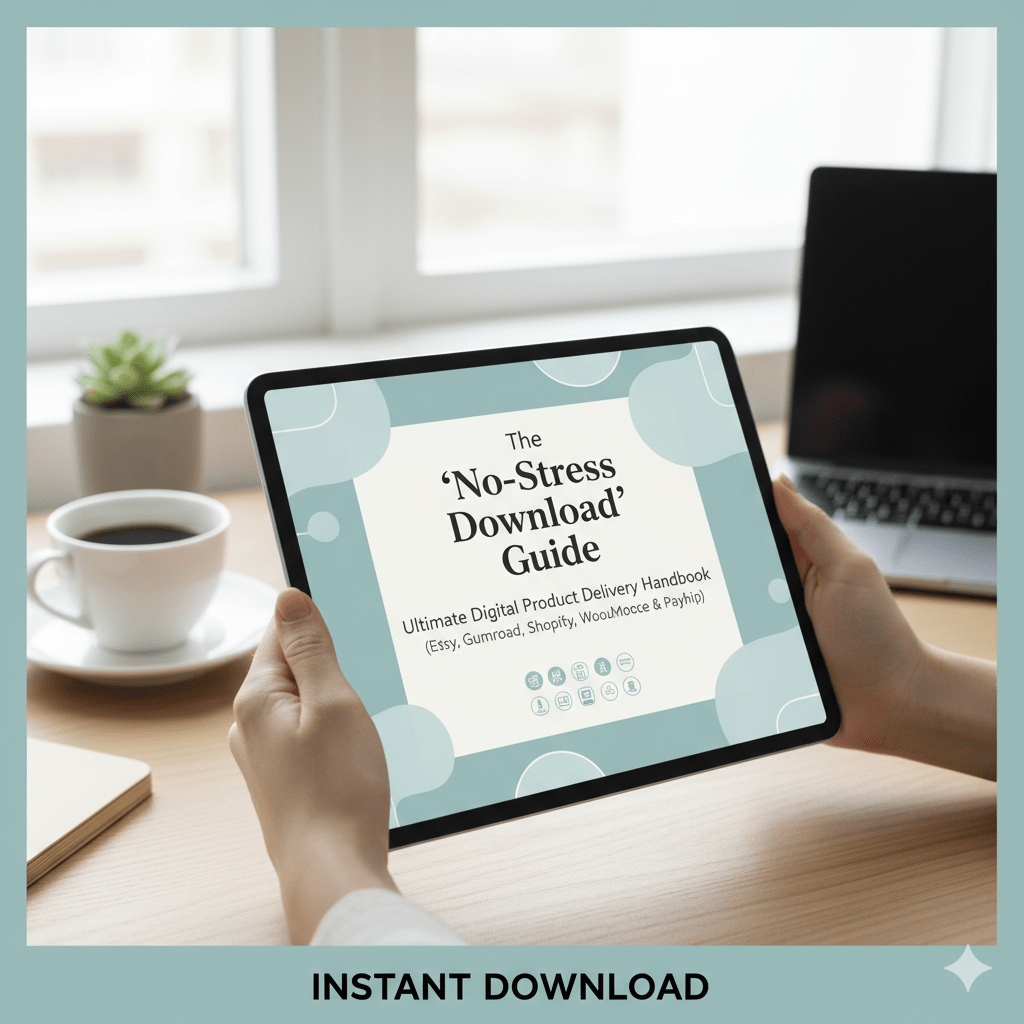
Delivering digital products can feel like walking a tightrope. A single broken link, confusing folder structure, or unsupported file format—and your customer’s excitement turns into frustration. As creators, we dream of seamless downloads, zero support hiccups, and raving buyer reviews. That’s what the “no-stress download” system is all about.
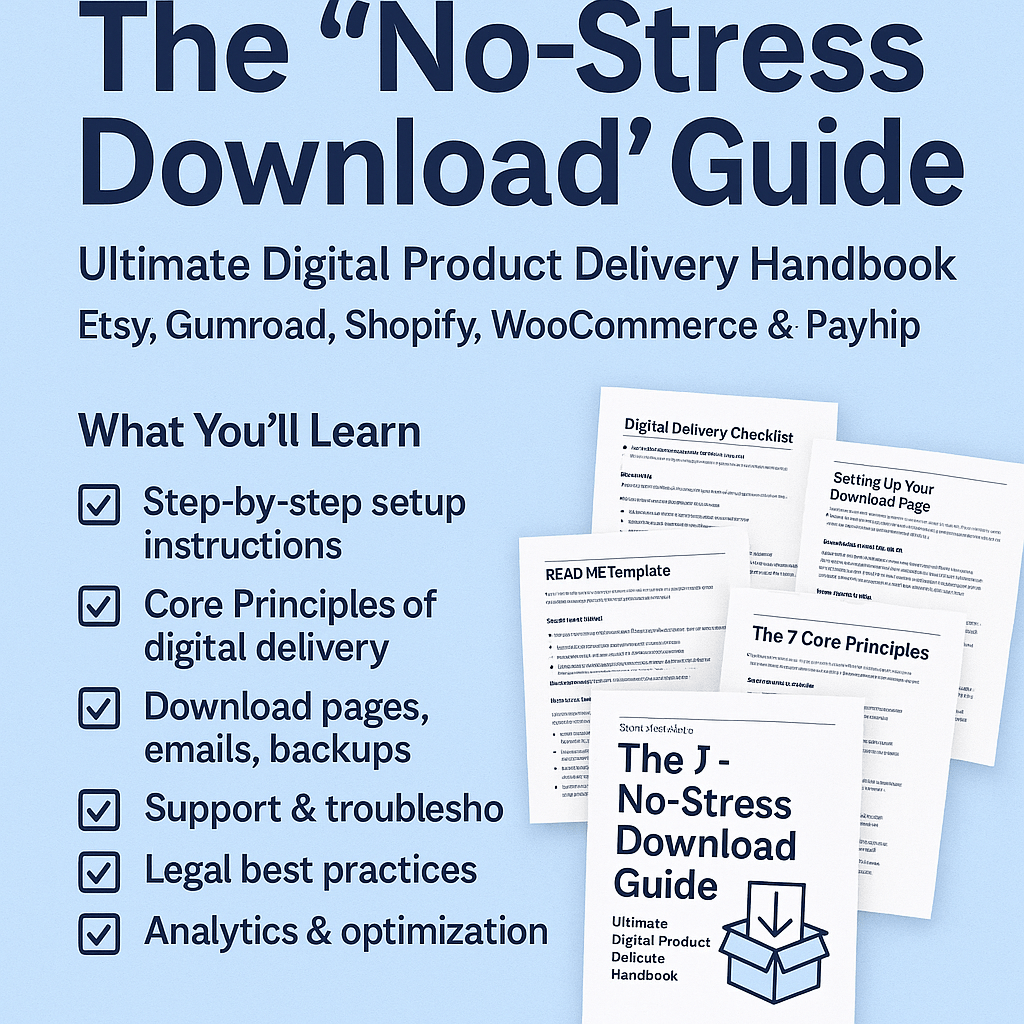
In this guide, you’ll get a clear, step-by-step blueprint to turn download chaos into clarity—complete with “plug and play” workflows, templates, and best practices. And if you want to skip the setup work, you can get the complete packaged guide here: https://payhip.com/b/mU2sb

Why Download Delivery Often Fails (and What It’s Costing You)
Let’s start with the pain. Common issues with digital delivery include:
- Broken or expired links
- Confusing file naming and folder structures
- Large file sizes causing download timeouts
- Buyer confusion over which file to open
- Lack of fallback or backup link
- Excessive support requests (wasting your time)
- Refunds due to “file not received” claims
Each of these hurts your brand reputation, reduces conversions, and eats into your energy. Worse, you lose trust.
What we want instead: a system where a buyer clicks “Buy,” gets a clean download, and never has to email you again.
The No-Stress Download System: 7 Core Pillars
Here are the bedrock principles behind a smooth digital delivery experience:
- Clarity over cleverness
Describe every file, format, software need, and file size in your listing and instructions. - One-click first (then backup)
Make the primary download path as frictionless as possible. Use backup links behind the scenes. - Redundancy & fallback
Always have a resend link or manual link option if something breaks. - Versioning & change logs
Use semantic versioning (v1.0, v1.1, etc.) and include a CHANGELOG.txt inside bundles. - Standard formats & compatibility
Stick with PDF, PNG/JPG, ZIP, and MP4—test across Windows, macOS, iOS, and Android. - Smart file packaging
Use clear folder structures and README files so buyers know where to start. - Support sanity checks
Automate responses and FAQs, and include troubleshooting tips so you don’t drown in support.
These pillars are all integrated in the packaged guide, so you don’t have to reinvent them.
Step-by-Step Setup: From Product to Delivery
Here’s how to implement your no-stress download system in 6 stages:
| Stage | Action | Tips |
|---|---|---|
| 1. Define the deliverable | Be explicit—“10-page printable PDF + editable Canva template” | Mention software versions or limitations |
| 2. Organize & name files | Use folder structure: /Main, /Extras, /License | Name files like Brand-Product_v1.0_2025-10-13.zip |
| 3. Create README + license | Include “start here” README, license.txt, changelog | These help avoid confusion and legal issues |
| 4. Upload to platform | Use Payhip, Gumroad, WooCommerce, Shopify, etc. | Use platform features like expiring download links or download limits |
| 5. Test purchase & download | Buy your item (yes, yourself) and test on desktop and mobile. | Try opening the ZIP/PDF to catch mistakes |
| 6. Prepare support & contingency | Auto-resend link workflows, backup mirror links, support templates | Be ready to reset download limits manually |
If you want a fully fleshed version of this, with checklists, automations and templates, you can grab it here: https://payhip.com/b/mU2sb
SEO Tips for Your Product & Content Strategy
To help this guide or your product page attract organic traffic, here are SEO tactics to bake in:
- Keyword research & target phrase
Find long-tail phrases buyers search, such as “stress-free digital delivery system,” “optimize download experience for customers,” or “digital download error fix guide.”
Use tools like Google Keyword Planner or Ubersuggest. - Optimize title, headers, meta tags
Use your target keyword (e.g., “stress-free digital delivery”) in the product title, H1, H2s, and meta description.
Keep meta descriptions under ~155 characters. - Structured content & subheadings
Use H2s, H3s, bullet lists, and tables—both for scannability and SEO signal strength. - Internal & external links
Link out to helpful, authoritative resources. Link internally to your blog posts, related products, or guides.
This helps search engines contextualize and index. - FAQ / Rich snippets
Add an FAQ section using schema markup so Google may show your content in “People also ask” boxes. - Consistent content/blog support
Write related articles (e.g., “Why download links fail” and “How to troubleshoot ZIP downloads”) and link them to your guide page.
Shopify’s SEO best practices suggest writing blog articles to fuel your product pages. - Speed, mobile friendliness, image SEO
Use compressed images, responsive design, and fast hosting. Use alt text and descriptive file names for images.
Google’s SEO Starter Guide recommends making sure crawlers see what users see.
With all that, your guide page can rank, attract organic shoppers, and repeatedly convert.
Common Buyer Objections & How Your System Handles Them
| Objection | How the No-Stress System Reassures |
|---|---|
| “What if the link expires?” | Backup link + manual reset workflow |
| “What if I can’t open the ZIP on mobile?” | README suggests unzip apps; direct PDF fallback |
| “Is it legal to use this commercially?” | License file included, clear terms written |
| “I’m not tech-savvy—is it hard?” | Step-by-step instructions and human support templates included |
Wrap-Up & Next Step
If you’ve followed this article, you’re halfway there. What remains is the polished execution: putting these systems into place, testing thoroughly, and documenting for your buyers. The guide at https://payhip.com/b/mU2sb brings it all together—checklists, templates, workflows, and delivery maps so you don’t have to invent your own.
Make your digital downloads a source of delight, not dread. Your customers will thank you—and your support inbox will quiet down too.
📥 Grab the full packaged edition here: https://payhip.com/b/mU2sb
🧰 Recommended Tools for a Stress-Free Workflow
A clutter-free workspace and reliable tools make digital delivery even smoother. If you occasionally ship physical goods, labels, or thank-you cards alongside your downloads, a compact Bluetooth thermal label printer can save hours and keep your packaging consistent — grab one here.
And to keep your creative zone organized, this sleek 4-tier desk organizer with built-in drawers and pen holders helps maintain focus and flow while managing files or notes — get it here.






Leave a comment